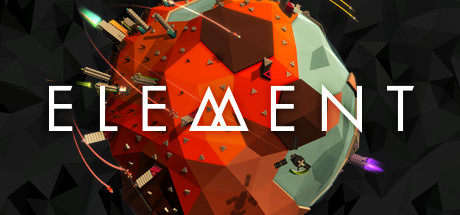
Element
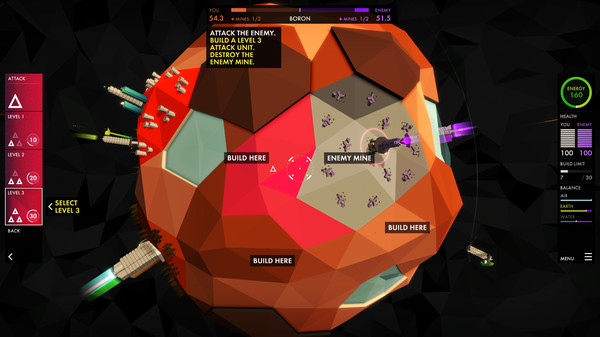
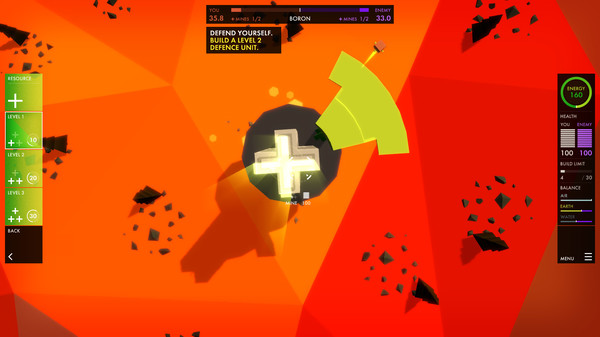
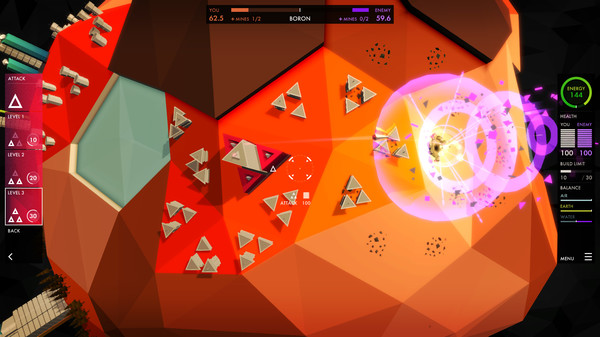
エレメントは時間のない方でも楽しめる、リアルタイムの宇宙空間ストラテジーゲーム。 エネルギーの産出や元素の採掘、攻撃や防衛ユニットの建設を行い、土や空気、水と空気のバランスを維持しながら敵を破壊していきましょう。
このゲームについて
エレメントは時間のない方でも楽しめる、リアルタイムの宇宙空間ストラテジーゲーム。
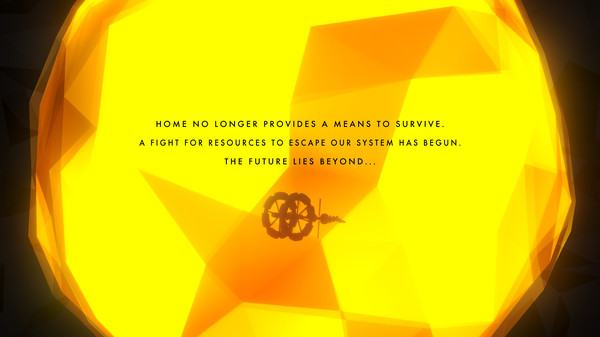
母星はもはや生きる意味を与えてはくれない。
我らの銀河系から逃げるための資源の争奪戦が始まった。
未来の先にあるものは...
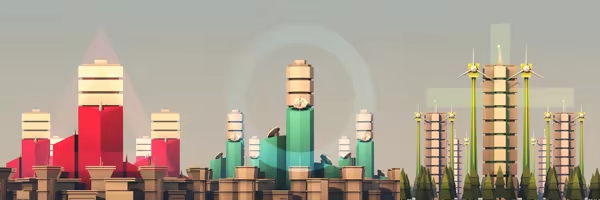
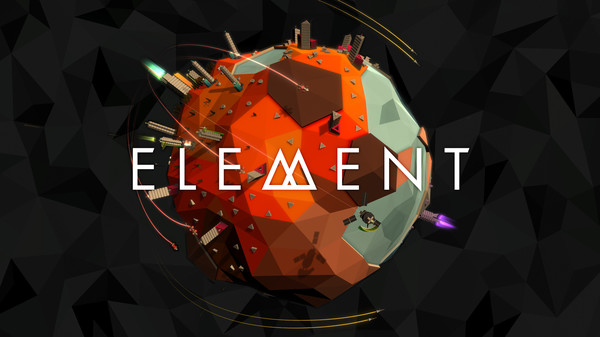
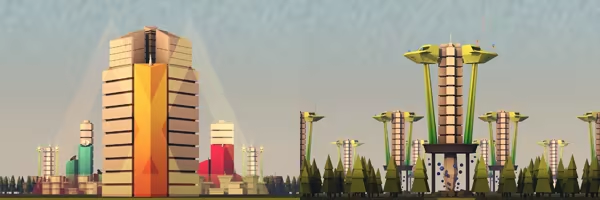
エレメントは鮮明なグラフィックで親しみやすいゲームプレイに焦点を当てた、視覚的に刺激のあるリアルストラテジーゲームです。
エレメントは精巧に作られたオリジナリティのあるゲームが好き、そして宇宙空間やストラテジーゲームが好きだけれども、プレイする時間がないという方のために開発されました。もちろん、ミサイルの発射や爆破好きなゲーマーの方々にもお楽しみいただけます:)
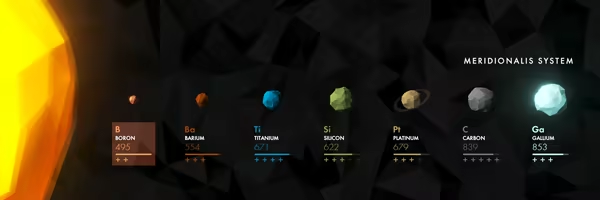
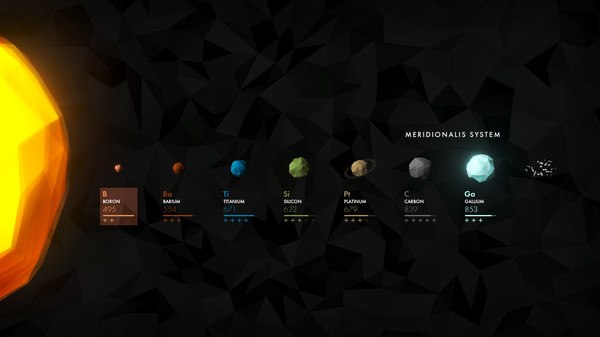
あなたは崩壊しようとしている太陽系からの脱出を試みています。
それぞれの惑星を訪れて十分な元素を採掘し敵を倒しながら、外側の惑星やそのまた彼方先へと進んでいきましょう。
エネルギーの産出や元素の採掘、攻撃や防衛ユニットの建設を行い、土や空気、水と空気のバランスを維持しながら敵を破壊していきましょう。
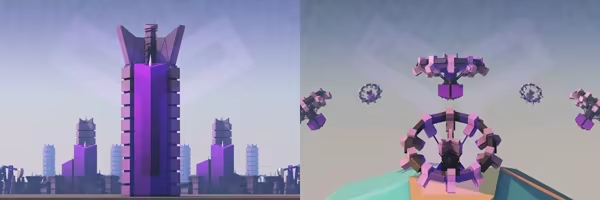
Game Input.
Element supports keyboard, mouse, keyboard and mouse, touch on supported platforms, and a game controller. Any method of input can be used at any time. Our preferred input method is a game controller with rumble support.
Game controller support on Windows and macOS uses native input libraries and supports XInput devices where possible. Supported platforms also allow rumble and lighting for selected controllers (eg. PS4 or XBox One Controller), and the ability to connect game controllers at any time. Legacy input requires game controllers to be connected before the game launches.
Game Speed.
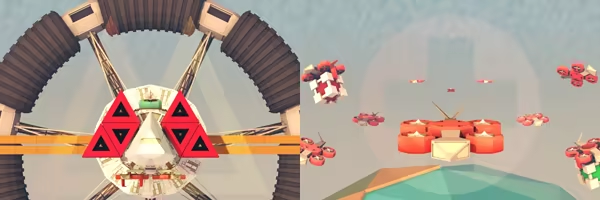
The game speed can be adjusted using the -/+ keys to super-slomo and accelerate time while playing. Use '0' to reset to normal speed. Pause in-game using the menu button on the right side of the screen, pressing 'P' or 'Escape' on the keyboard, or using the menu/option button on your game controller. The game view can be fully controlled while the game is paused.
Screenshots.
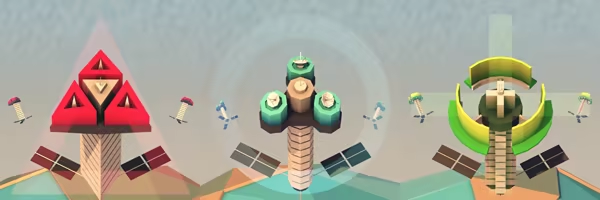
You can save a screenshot to your standard pictures folder using '.' on the keyboard. Use 'Shift+.' to take a high-resolution screenshot.
In-game you can toggle free-camera mode using 'Shift+Alt+C' to fly around slowly, and use 'Shift+Alt+M' to toggle menu visibility. The free-camera mode can be used while playing or paused and is intended mainly for beauty shots rather than gameplay.
Notes.
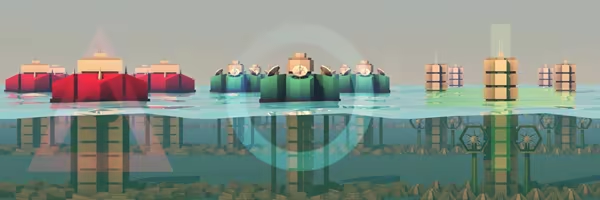
The game requires a vertical resolution of at least 640px and our recommended minimum resolution is 720p. The game will happily render up to 4K/2160p. Linux support for Element is considered experimental but we are continuing to support it.
類似作品
ジャンル構成と評価が近い作品
Grandpa's Cheese
アクション
インディー
ストラテジー
無料
非常に好評 93%
(187件)
So Many Me
アクション
インディー
ストラテジー
¥1,520
非常に好評 93%
(107件)
Russian Warship
アクション
インディー
ストラテジー
無料
非常に好評 93%
(109件)
Space Raiders in Space
アクション
インディー
ストラテジー
¥1,010
非常に好評 94%
(153件)
CorgiSpace
アクション
インディー
ストラテジー
¥580
非常に好評 94%
(70件)
Water Boiling Simulator
アクション
インディー
ストラテジー
¥200
非常に好評 95%
(79件)