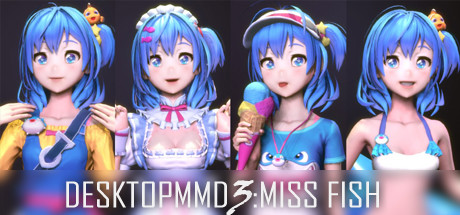
DesktopMMD3:Miss Fish
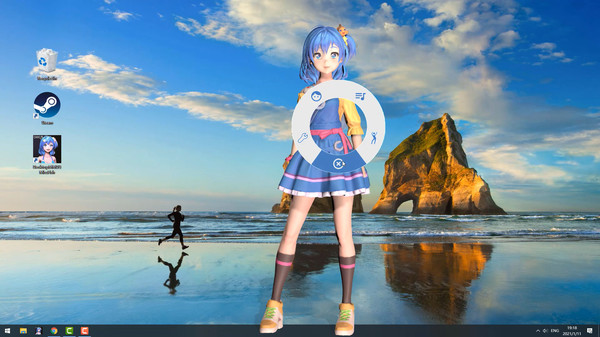
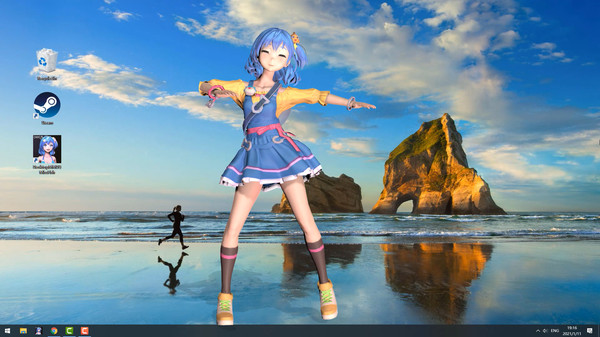
Living and dancing lovely girl “Miss Fish” on your desktop! She will always be with you, even while playing game or browsing the web.
このゲームについて
Buy DMMD3 Get DMMD4 Free
Buy “DesktopMMD3:Miss Fish” Now and Get "DesktopMMD4: Born to Dance"触れることができる愛好家
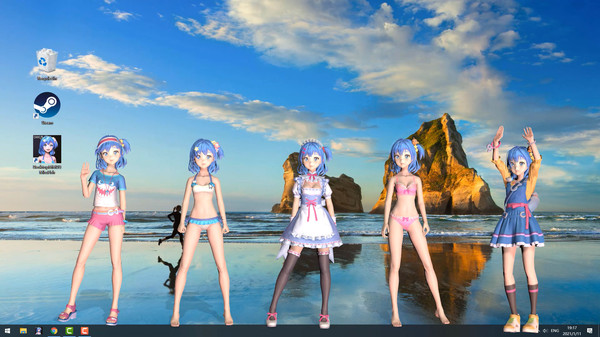
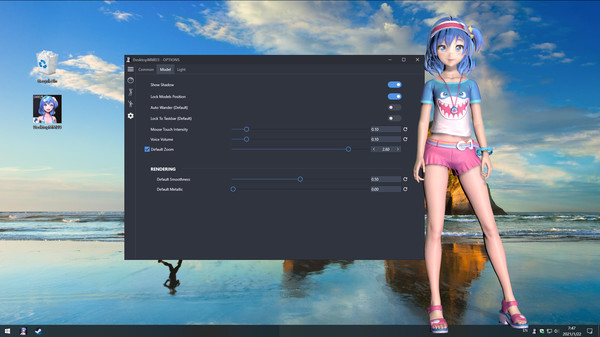
DesktopMMD第3世代です。は、SteamWorkshopをサポートし、たくさんのエフェクトやマスコットから自分にあったものを選択できます。あなたのデスクトップに素晴らしいエフェクトとマスコットを表示する、面白くて強力なデスクトップソフトウェアです。あなたのデスクトップに、AIを使用した生き生きとした可愛い女の子を呼ぶことができます!他の作業をしている間も、常にあなたと一緒にいます。
特徴
- 本物のガールフレンドのような真新しいグラフィックエンジン
- キャラクターの髪の毛やスカートなどに触れることができます
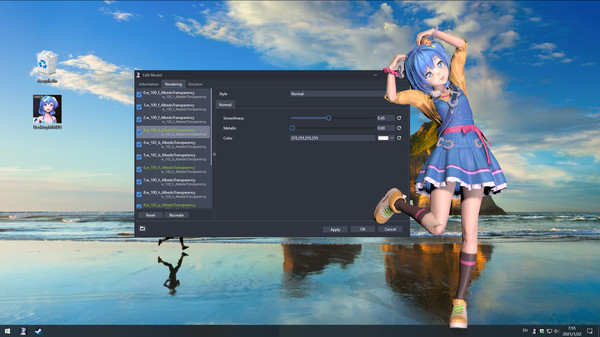
- モデルと表示するパーツの色をカスタマイズできます
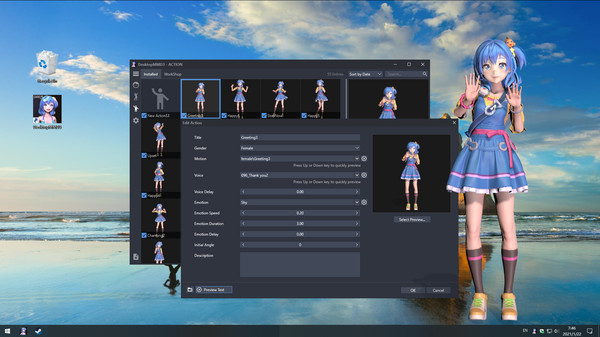
- 多くの編集オプション - あなたはほぼすべてのエフェクトとマスコットを編集することができます。
- AIによるたくさんのアニメーションでデスクトップに活気を与えます
- Steamワークショップに対応しているので、モデルやダンスのダウンロードが簡単に可能です
- MMD/VRMモデルをインポートできます、VMDモデルとアクションは変換後にインポートできます
- Spotify, Winamp, Foobar2000, CloudMusicやQQMusicなどのサードパーティの音楽プレーヤーに対応しています
- DesktopMMD3はライブ壁紙ではないので、他のウィンドウの上に表示できます
- DesktopMMD3のキャラクターは、マウスカーソルを使って操作することができます。キャラクターには放置アニメーションも存在します
- 60種類の内蔵ダンステンプレート(19種類のスローリズム/15種類のミッドリズム/17種類のファストリズム/8種類のショートダンス/ムーンウォーク)を収録。お気に入りの音楽に合わせてダンスを簡単に調整することができます
- 他のすべてのソフトウェアやライブ壁紙と互換性があります
- 透過タスクバーやぼかし効果をサポートしています。
- Windows 7(Aero付き)、8、8.1、10に対応しています
翻訳 / 校正:Nyanco Channel
======================================================================================
How to solve the problem that the Effect or Model cannot be displayed
1. Try to close all models at "Manage Model">"Loaded", and restart DMMD3 from Tray Icon Menu2. Try to exit DMMD3 from Tray Icon Menu and Click the "Verify integrity of game files" on Steam Library
3. Try to exit DMMD3 from Tray Icon Menu and Delete the cache file DesktopMMD3/AppData/Cache, then restart software
4. Try to exit DMMD3 from Tray Icon Menu and Delete the file DesktopMMD3/AppData/Themes/Default/theme.json, then restart software
Q:モデルをデスクトップに追加するにはどうすればよいですか?
A:最初に「モデルの管理」>「ワークショップ」でSTEAMワークショップからモデルをサブスクライブし、次に「モデルの管理」>「インストール済み」リストでモデルをロードする必要があります。
Q: なぜ背景が黒一色なのですか?
A: You can press the "Win" key to pop up the taskbar, and then proceed to the following operations:
1. Open the Nvidia panel and select [manage 3D settings] on the left
2. [multi frame sampling AA (MFAA)] and [smoothing fxaa] in the right side are changed to [off]
3. Close the application to solve the problem of game black screen.
MMD/VRMモデルをインポートする方法
類似作品
ジャンル構成と評価が近い作品

なんと長谷川さんだった
アクション
カジュアル
インディー
¥235
賛否両論 69%
(90件)
青蛙跳模拟器
アクション
カジュアル
インディー
¥100
やや好評 74%
(81件)

疲弊した人
アクション
カジュアル
インディー
¥1,200
やや好評 76%
(80件)
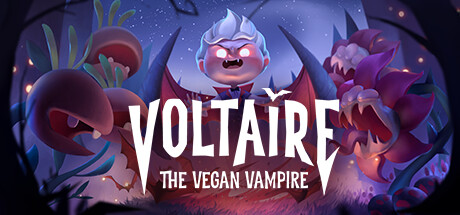
Voltaire: The Vegan Vampire
アクション
カジュアル
インディー
¥2,300
賛否両論 66%
(176件)
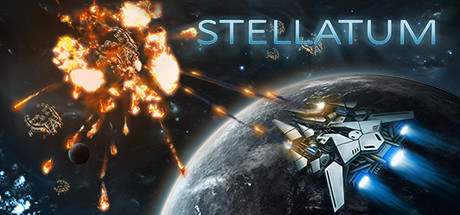
STELLATUM
アクション
カジュアル
インディー
¥350
賛否両論 63%
(168件)
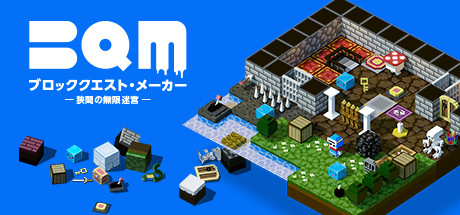
BQM - BlockQuest Maker-
アクション
カジュアル
インディー
¥980
非常に好評 81%
(159件)